ES MES – Manufacturing Execution System
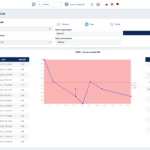
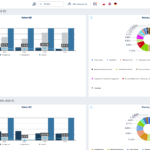
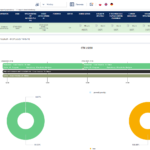
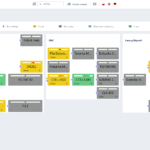
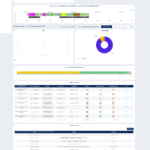
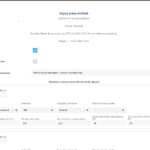
ES MES is a system designed for professional production management. It enables the monitoring and optimization of process performance, ensuring that production is carried out both effectively and efficiently. The system calculates key performance indicators essential for the effective management of a manufacturing company, such as OEE (Overall Equipment Effectiveness) and OLE (Overall Labor Effectiveness). With ES MES Monitoring, you can reduce defects, downtime, equipment failures, and errors, while achieving higher production quality.
Advantages of the system:
- Identifying downtime – reducing it and increasing efficiency
- Process automation – time savings
- Fewer breakdowns – optimal machine utilization
- Higher production quality – reduction of losses and lower production costs
- Maximizing production capacity – faster, better, cheaper
- Electronic documents – convenience, cost savings, and time savings
- Access to information – quick and simple
- Production cycle – duration reduction
Detailed description
Data-driven manufacturing – complete insight, accurate decisions
ES MES delivers reliable, complete, and clear data collected automatically from machines and manual workstations. Effective optimization is only possible when processes are fully understood and decisions are backed by reliable data.
ES MES Market Competitiveness
- Comprehensive ES MES Implementation Full-scale implementation of ES MES involves a multi-stage process analysis, a customized deployment path tailored to each business, and extensive support covering training and maintenance. We provide ongoing assistance to our clients both before and after project completion.
- Visual Mobile Management (VMM) With Visual Mobile Management, ES MES enables effective company management from any location. VMM features an intuitive user interface fully optimized for mobile devices.
- Tailored to Client Needs The system is always customized to individual client requirements thanks to its modular architecture, rich configuration options, and a personalized approach.
- Real-Time KPI Monitoring Key performance indicators such as OEE, OLE, and downtime reasons are readily available on the main dashboard, with their status updated in real time.
- Manual Workstation Monitoring ES MES not only automatically captures production data from machinery, but also enables effective monitoring of manual workstations.
- Overall Labor Effectiveness (OLE) Calculation Tracking Overall Labor Effectiveness (OLE) allows real-time monitoring and continuous improvement of workforce productivity.
- Driving Operational Excellence Achieving operational excellence and continuous performance improvement requires effective data acquisition and smart data utilization—which is precisely what ES MES enables.
- System Scalability The system scales alongside your business, seamlessly adapting to production line changes, such as expanding product lines or adding new machinery. These updates can be quickly and easily integrated into ES MES.
VISUAL MOBILE MANAGEMENT – Managing Your Business from Anywhere
Visual Mobile Management enables you to manage your manufacturing plant from any location. It provides a clear, intuitive presentation of data optimized for mobile devices.
Benefits of Visual Mobile Management
Data visualizations are tailored to each employee. Dashboards are configured based on individual goals—taking into account job roles and responsibilities – as well as the needs of executive management.
- Clear and intuitive dashboard visuals – panel graphics (charts, summaries, etc.) are clear, clean, and easy to read.
- “Drill-down” analytical approach – the tool is built on a “drill-down” concept, allowing users to seamlessly navigate from high-level overviews to granular details.
- Instant access to key metrics on the home screen – KPIs such as OEE, OLE, downtime reasons, and more are readily available on the landing page for immediate visibility.
- Fast issue detection and real-time response – identifying critical or alarming metrics is quick and simple, enabling real-time reactions to eliminate errors and continuously streamline processes.
Business Intelligence Implementation Area
Fact- and Data-Driven Business and Investment Decisions
Business Intelligence is a module built by practitioners, for practitioners. It delivers reliable production process data, enabling rational, data-driven business decisions. It allows you to control and monitor production from multiple perspectives.
Key Features:
- Reporting and data presentation methods rooted in the “operational excellence” philosophy—key KPIs (such as OEE, OLE, and causes of downtime) are accessible on the home page via a clear, user-customizable dashboard (“helicopter view”). KPIs are visually assessed against predefined acceptable ranges (categorized as, for example, unsatisfactory, satisfactory, or above-average). The system enables period-over-period KPI comparisons and trend identification (e.g., month-over-month OEE growth), automatically calculates upper and lower control limits for KPIs based on a specified timeframe, and employs a “drill-down” approach, allowing users to navigate from high-level overviews to granular details.
- Data can be accessed on mobile devices through a tailored, personalized dashboard.
- Includes a comprehensive dashboard for the presentation of KPIs.
Implementation Area – Monitoring Module
Increasing machine efficiency
The Monitoring Module allows for tracking the current status of machines—including their performance, the number of units produced, and the orders currently being processed—while calculating key performance indicators (such as OEE and OLE) in real time. It helps to significantly increase machine efficiency.
Key Features:
- configurable main dashboard with basic “production” indicators (OEE, OLE) in the form of numerical values and charts
- data access “from the big picture to the detail” (location, factory, hall, machine group, machine)
- text messenger enabling sending messages to selected employees (machine operators) and resources (machines) with image attachments
- ability to explain reasons for machine downtimes (additionally, standardly this explanation takes place from operator panels)
- ability to manually set shift targets (in terms of quantity produced and changeover times)
- call module for support services (e.g., transport, process engineers)
- module for visualizing production status on TV screens

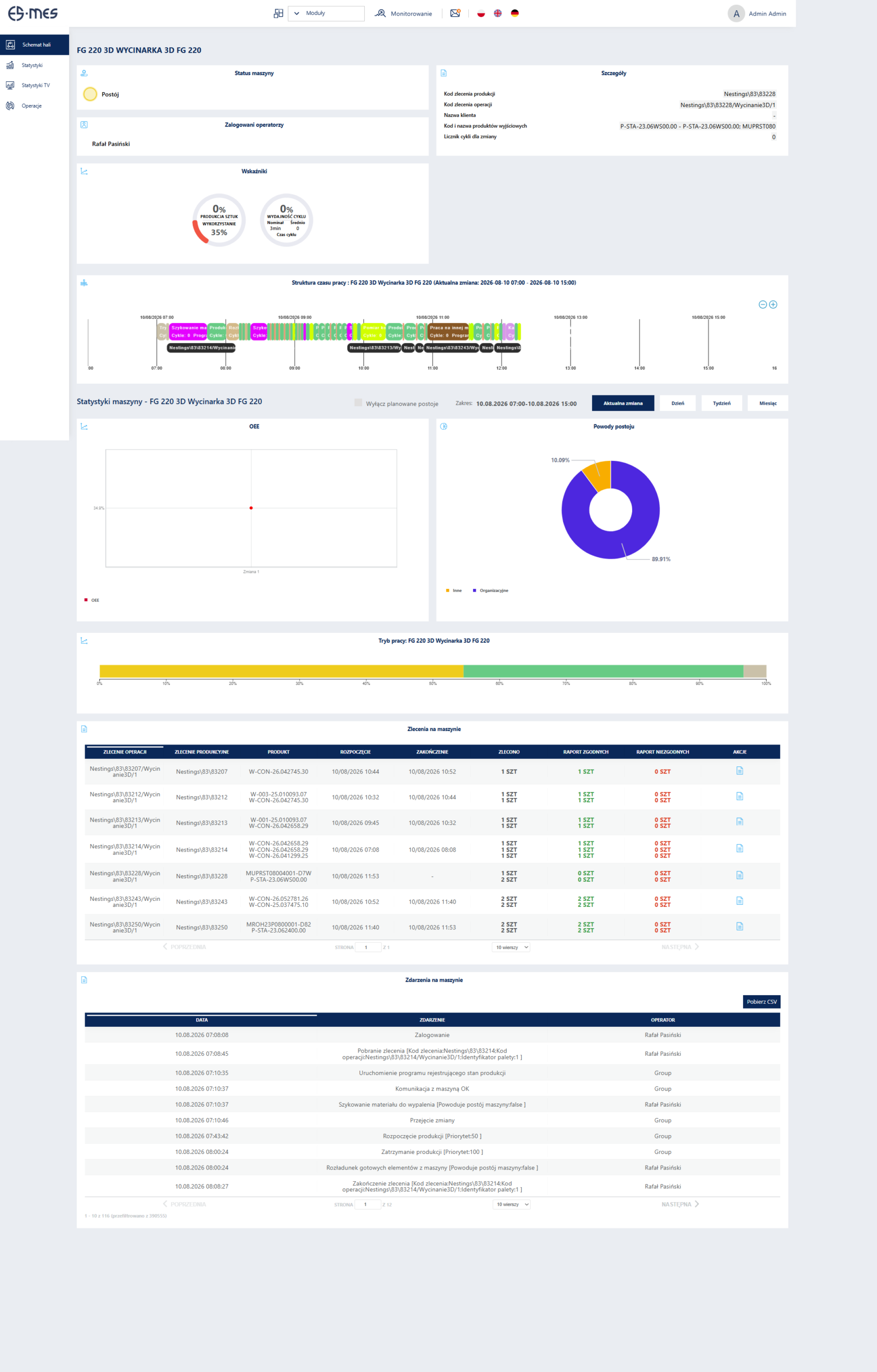
Dashboard for an individual workstation
- information on logged-in operators (first and last names) operating the machines
- information on the currently processed order ID, part ID, and operation ID
- information on machine performance relative to the shift (percentage of quantity produced / quantity planned – based on nominal output for the order per shift) and the entire order (order completion percentage: reported quantity / planned quantity within the order)
- information on the average cycle time for the machine relative to the nominal cycle time
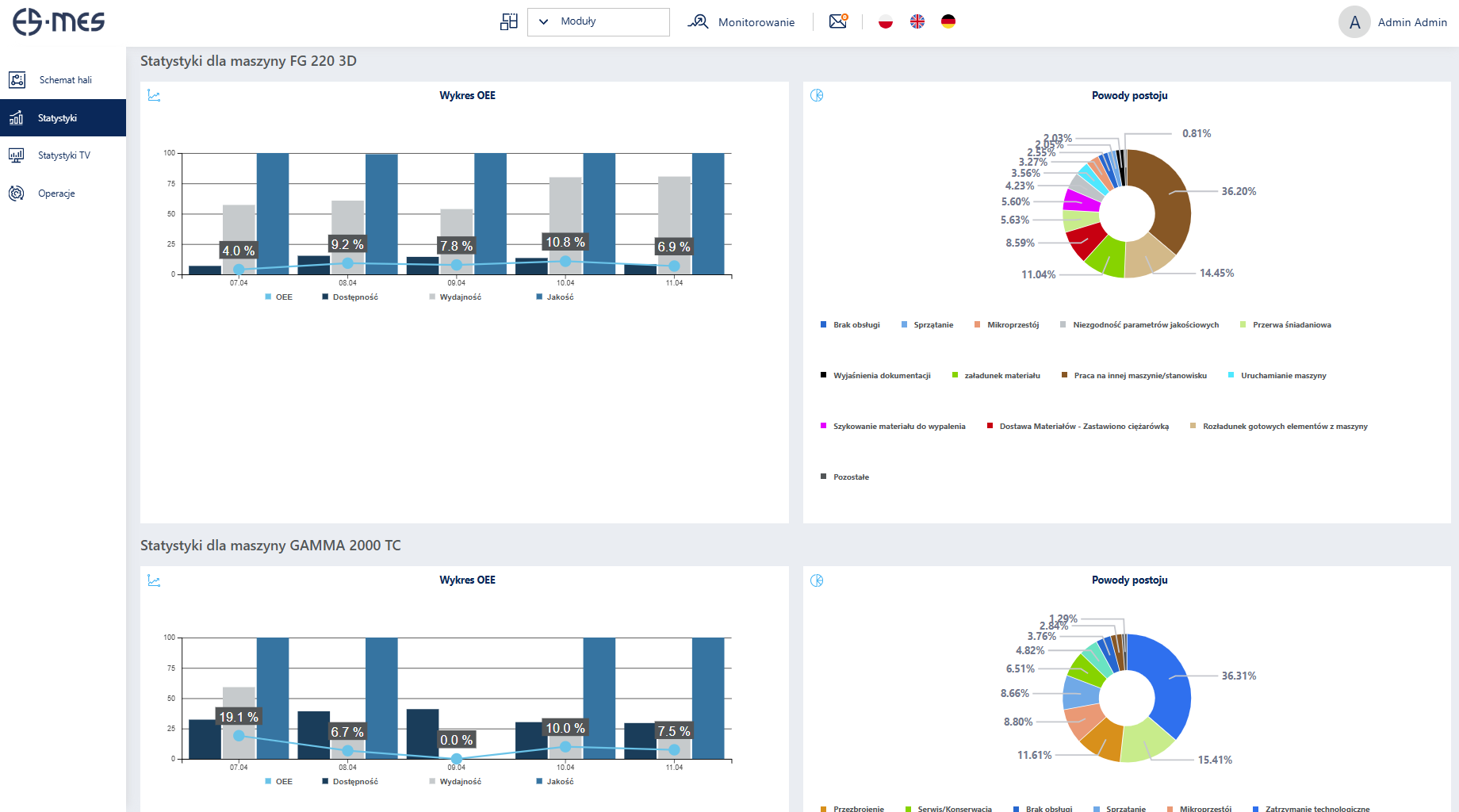
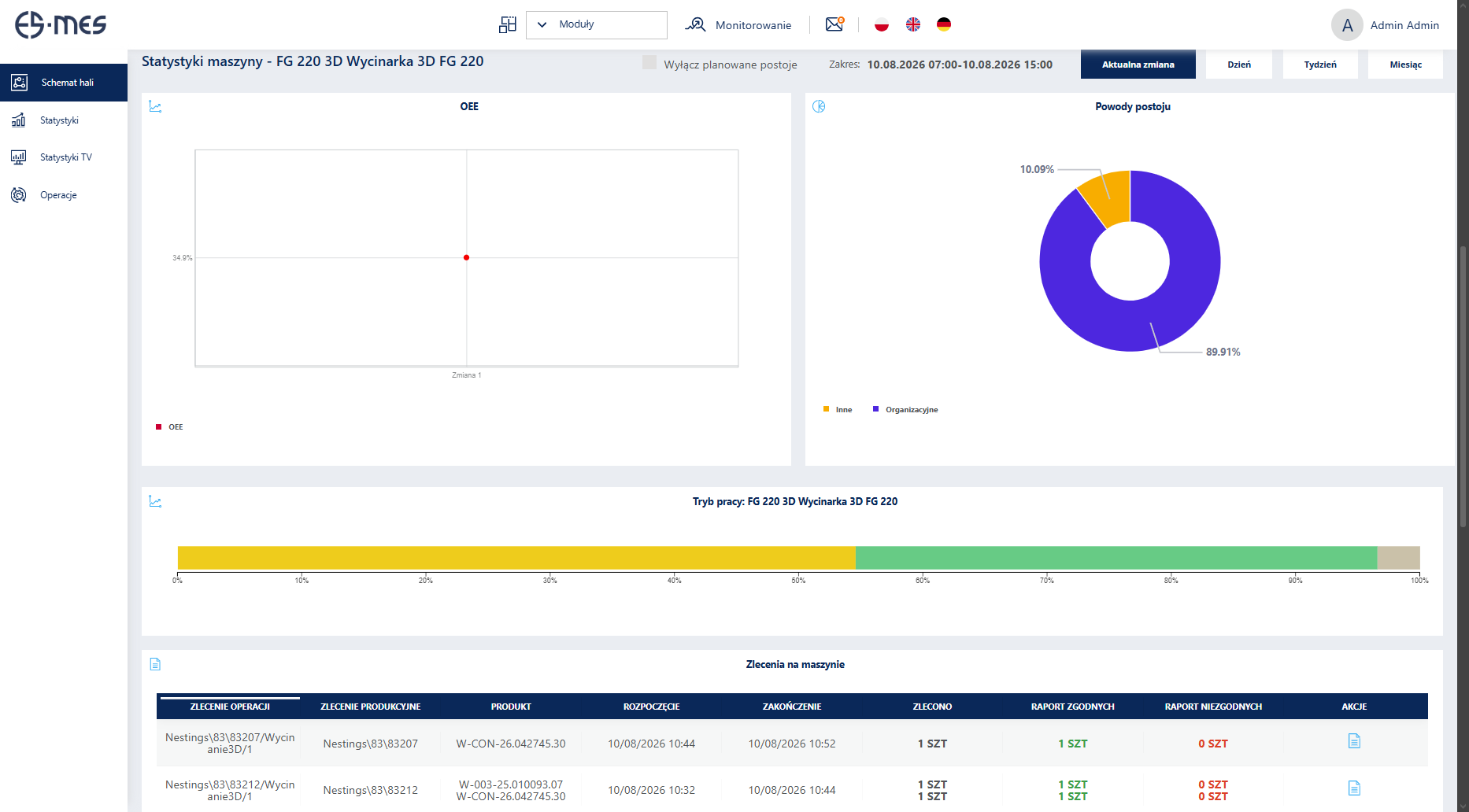
- information on basic historical statistics for a selected machine over a chosen period (last day, week, month): OEE index, downtime reasons, operating / downtime / additional status times, working time structure, executed production orders
Reporting system presenting information regarding:
- machine operating mode (operation / downtime / power off / additional statuses)
- downtime reasons (pie and bar chart data presentation, share of individual reasons in total downtime time)
- OEE index (production resource effectiveness)
- OLE index (employee effectiveness)
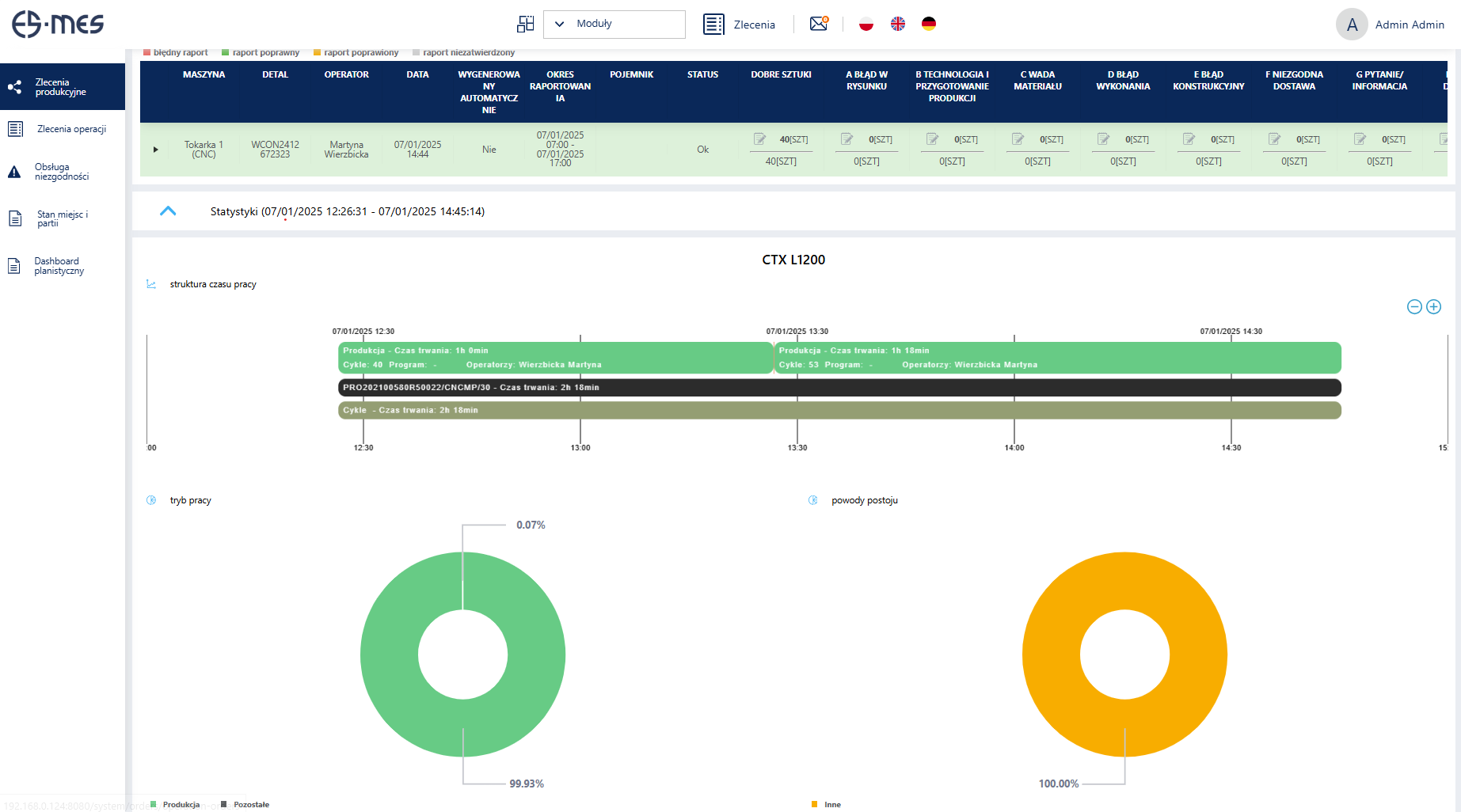
- machine working time structure (in a version generated for a given period or automatically refreshed for the current shift)
- cycle time analysis (percentage comparison of actual cycle time with nominal time over a given period, for each cycle performed on the machine, with the option to show reasons for exceeding nominal cycle time)
- operator attendance at workstations (login times, working times)
- production fulfillment (summary of production quota completion over a given period, with the option to group by operator, machine, or production order)
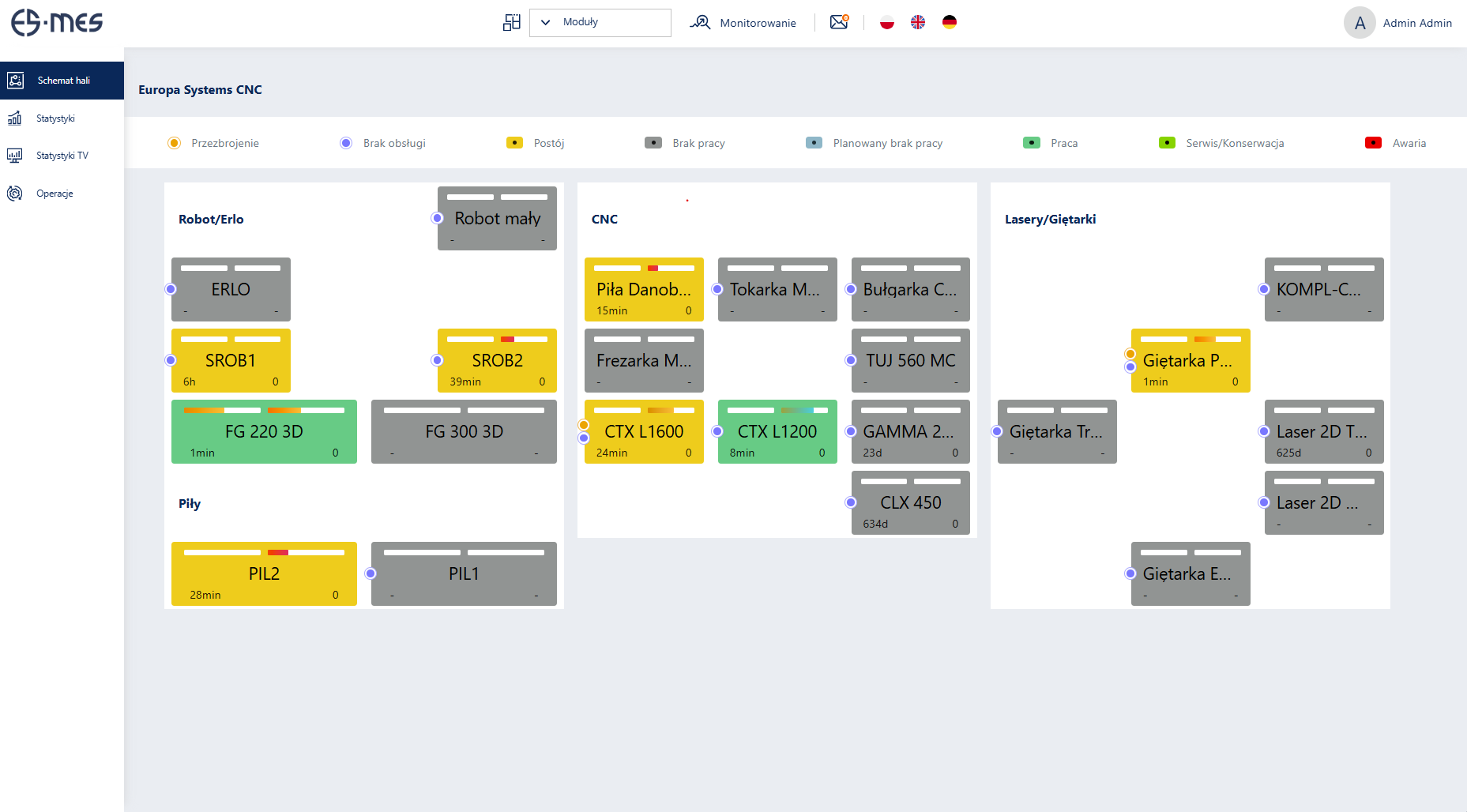
Status presentation of monitored workstations (machines, manual stations) in the form of a plant layout map
- presentation of machines as graphic symbols with the option to reflect the spatial layout of machines on the factory floor
- clear indication of machine statuses using appropriate colors (including at least: automatic operation, downtime, setup time/TPZ, breakdown, off-line mode)
- graphical presentation of 2 metrics for a given machine (shift working time utilization, order time utilization) and textual presentation of 3 metrics for a given machine (duration of current status, number of cycles for the shift, number of cycles for the order)
Implementation Area – Order Management Module
Precise information on order execution
The Order Management Module is responsible for managing production orders at the shop-floor level. It makes dispatching orders for execution quick and simple, while significantly improving communication. It delivers reliable data on order fulfillment.
Implementation Area – Order Management Module
Precise information on order execution
The Order Management Module is responsible for managing production orders at the shop-floor level. It makes dispatching orders for execution quick and simple, while significantly improving communication. It delivers reliable data on order fulfillment.
- possibility of integration with the ERP system or automatic creation of production orders and operation orders based on order codes scanned on operator panels
- overview of the production order list
- overview of production order details
- approval of order completion in cases where the produced quantity is below the planned target
- registration of operation order statuses based on data entered on operator panels (new, started, completion request, completed)
- preview of the operator report regarding the quantity produced for a given operation order, with editing capabilities
- ability to add comments to production orders and operation orders
- ability to define nominal output and nominal changeover time for an operation order
- overview of the BOM structure for an operation order
- overview of status change history and production report history for an operation order
- correction of incorrectly entered production reports
Implementation Area – Quality Control Module
Reduction of scrap and errors – loss limitation – lower production costs
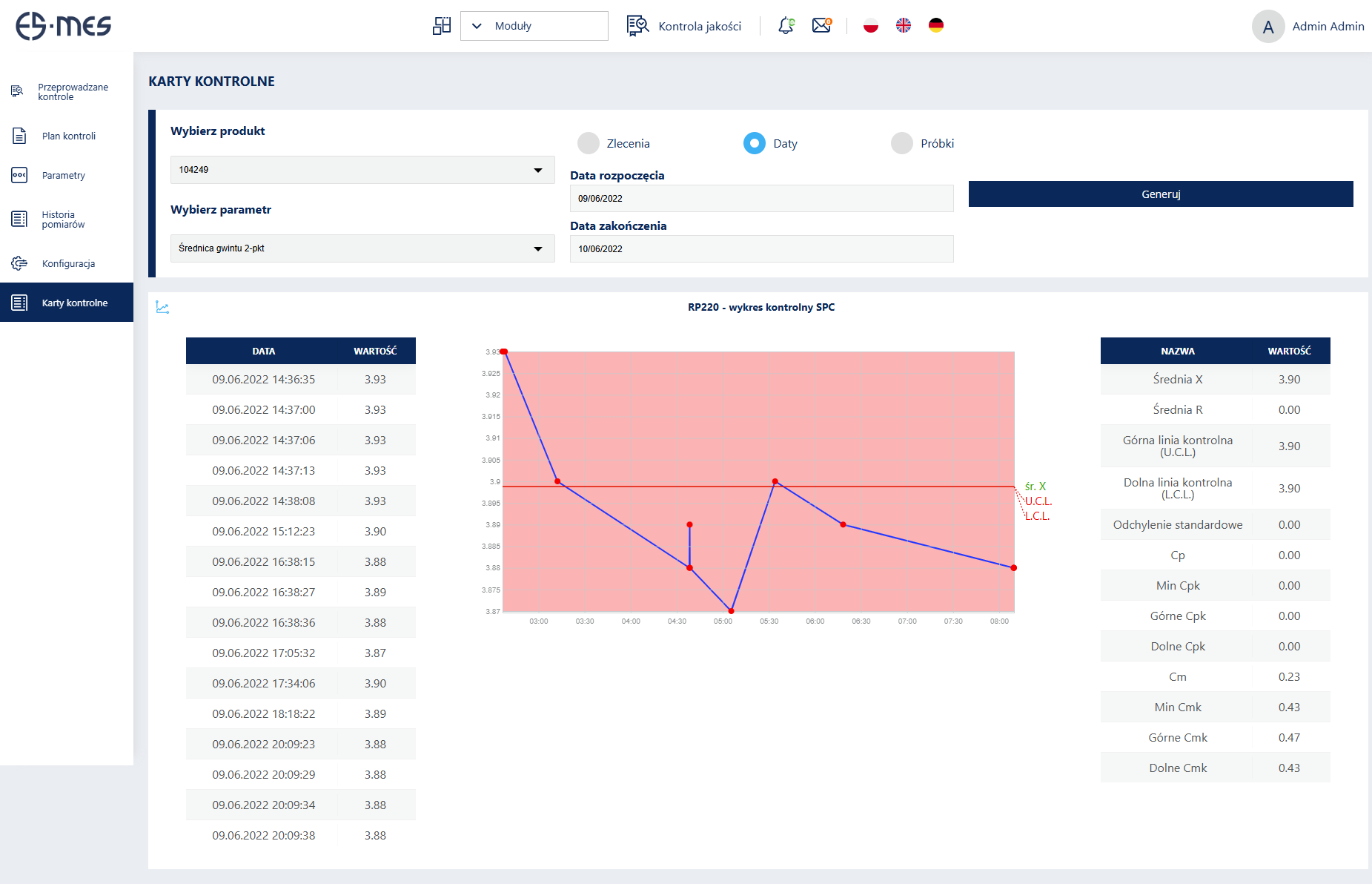
The Quality Control Module enables the creation of quality control plans and their enforcement directly at workstations. It reduces errors and waste, which in turn leads to lower production costs.
Key Features:
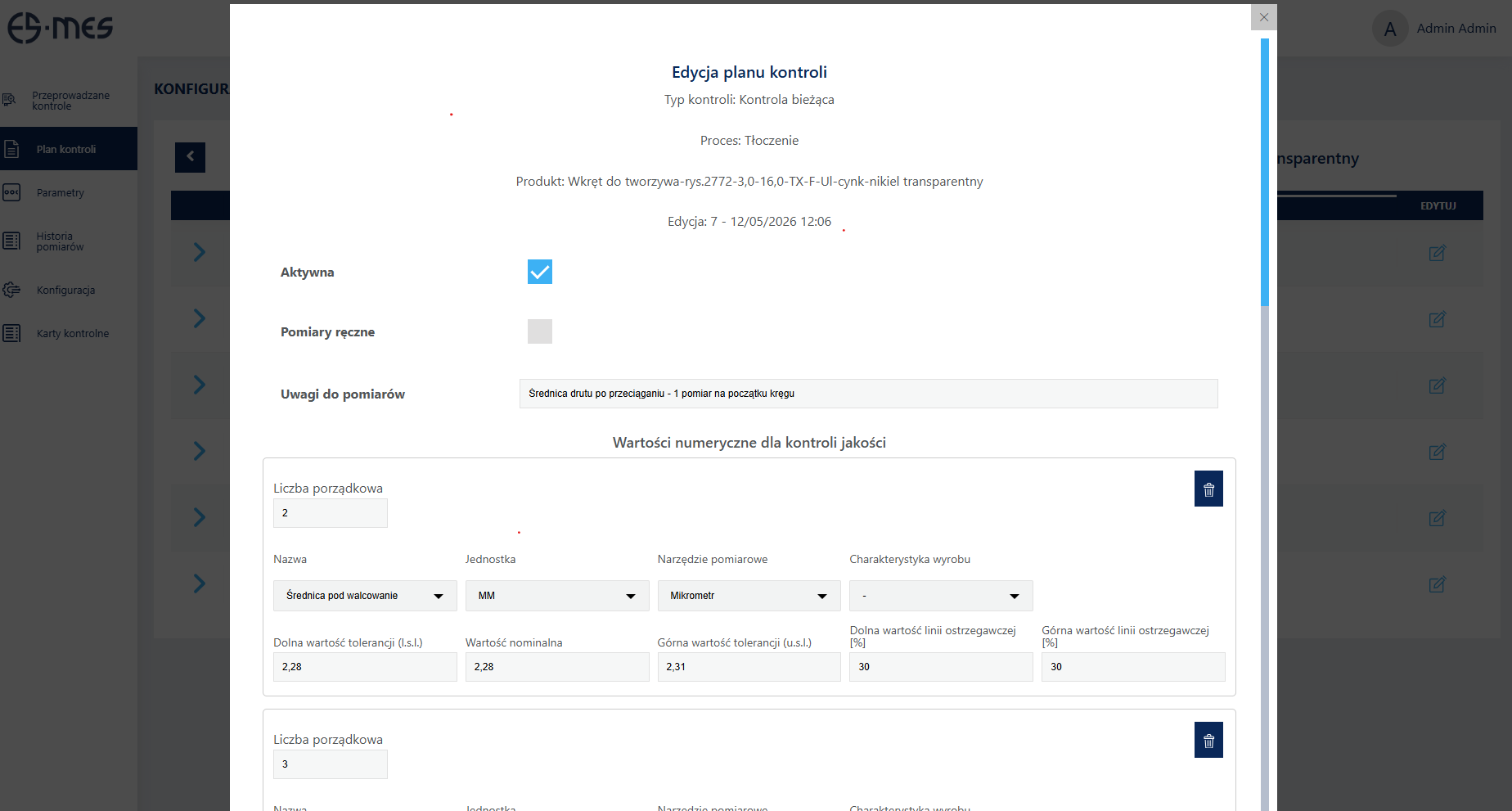
- ability to define an inspection plan for a product – various inspection types: incoming, in-process, final, first-piece, specifying a list of inspected parameters for individual process operations; for each operation, a list of inspected parameters including: parameter type (boolean, numerical), tolerance, measuring device, characteristic type, and measurement frequency
- entry and logging of quality control parameters (quantitative, qualitative) by production workers and quality control department staff
- automated reminders for required inspections based on the number of cycles completed by the machine
- integration with measuring devices (calipers, height gauges, etc.)
- automatic retrieval of process execution parameters from analog sensors installed on the machine (e.g., temperature, pressure)

Implementation Area – Maintenance Management Module (CMMS)
Minimization of unplanned downtime and optimal machine utilization
The Maintenance Management Module (CMMS) is designed for managing breakdowns and scheduled inspections. It provides continuous, real-time visibility into the machinery fleet. It allows you to track breakdown history – including root causes – minimize downtime, and optimize machine utilization.
Key Features:
Inspection and maintenance management for production assets
- adding and editing inspection types along with checklists for verification during the inspection, including standard execution times for individual activities
- defining scheduled maintenance/inspections for production assets (execution at specified time intervals or number of completed cycles)
- assignment of maintenance staff to inspection tasks
- comprehensive handling of inspections by maintenance operators (registration of start time, checklists of completed activities, suggested post-inspection overhauls)
- management of workshop orders (e.g., for repair or fabrication of production tooling)
- handling overhauls/refurbishments of production assets
- start screen view for maintenance personnel – to-do task list (breakdowns, inspections, overhauls)
- defining warranty periods for assets and calculating the remaining period, taking into account the duration of warranty-covered breakdowns
- assigning third-party repair services to assets
- calculating and generating MTBF, MTTR, and MTTF values
Breakdown and incident management for production assets
- comprehensive breakdown management from initial reporting to complete resolution (breakdown reporting by machine operator, acceptance of reported breakdown by maintenance staff, configurable breakdown response workflow, e.g., repair start, repair completion, acceptance or rejection by a supervisor)
- capability to notify third-party service providers
- attachment support
- breakdown history analysis for a selected asset
- generation of reported breakdowns report for a specified time period, detailing breakdown types, number of occurrences, and total duration
Implementation Area – Transparent Communication
Effective communication and production team motivation
Thanks to the HSI application and the Factory Floor TV System, fast and effective communication with machine operators is ensured. HSI enables the reporting of machine operation and order management data. Meanwhile, the Factory Floor TV System allows for the visualization of production execution status and key performance metrics.

HSI Capabilities:
- operator login to machines
- starting and completing operation orders on machines
- reporting produced quantities for a given operation order
- entering downtime reasons
- explaining reasons for cycle time overruns
- displaying essential machine information: machine status, loaded operation order, logged-in operators, shift machine utilization
- starting and completing auxiliary machine statuses (e.g., changeover)
- access to technical documentation
- presenting KPIs for the operator (shift target achievement, order target achievement, machine availability, order execution progress)
Factory Floor TV System Capabilities:
- serves as a visual motivation system for employees
- provides transparent information on current production order statuses on TV displays located anywhere in the facility
- operates as an open-access system across the plant